In this blog post I will show how to dynamically switch SharePoint Document Libraries based on a string to perform further actions like creating a folder. I've used this pattern for dynamic folder creation where the sheer scale of folders required dedicated Document Libraries based on alphabetic ranges (A-F, G-M, N-T, U-Z). My demo SharePoint … Continue reading Use Power Automate to dynamically switch Document Libraries based on a string
Category: SharePoint
Use Power Automate to create a folder in SharePoint with link back to Microsoft Lists (UPDATED)
Check out this related flow pattern on the Power Platform Samples repository: https://github.com/pnp/powerautomate-samples/tree/main/samples/create-folder-with-link-back-to-list In this blog post I will out line how Power Automate can be used to create a folder in a SharePoint document library and then store the link to the newly created folder inside of Microsoft Lists. I have used this pattern … Continue reading Use Power Automate to create a folder in SharePoint with link back to Microsoft Lists (UPDATED)
M365 Saturday Saskatchewan 2020 – Virtual
I’m sharing my “A 50 minute digital transformation” slide deck from the M365 Saturday Saskatchewan 2020 - Virtual. Thanks to those that attended, I really appreciate it! NY a-50-minute-digital-transformation-m365saskDownload
SharePoint vs. Microsoft Teams: Why They’re Better Together
This article originally appears on the AvePoint blog as SharePoint vs. Microsoft Teams: Why They’re Better Together. Change. There is so much change in the Microsoft 365 platform that users can feel lost in a sea of like-named and functioning apps. Take OneDrive and OneNote for example. Or how about a Team site and Teams? … Continue reading SharePoint vs. Microsoft Teams: Why They’re Better Together
Add attachments from Forms to Microsoft Lists using Power Automate (UPDATED)
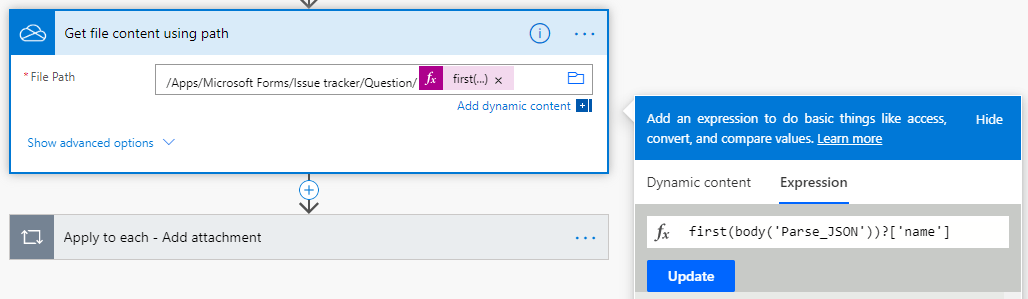
Note: The "Get file content using path" and "Apply to each - Add attachment" actions have updated from my original post to correct an issue where the content from multiple attachments was being duplicated. I added a check "Condition" on the length of the Associated files from MS Forms to ensure that attempts to add … Continue reading Add attachments from Forms to Microsoft Lists using Power Automate (UPDATED)
Get responses from Forms to Microsoft Lists using Power Automate
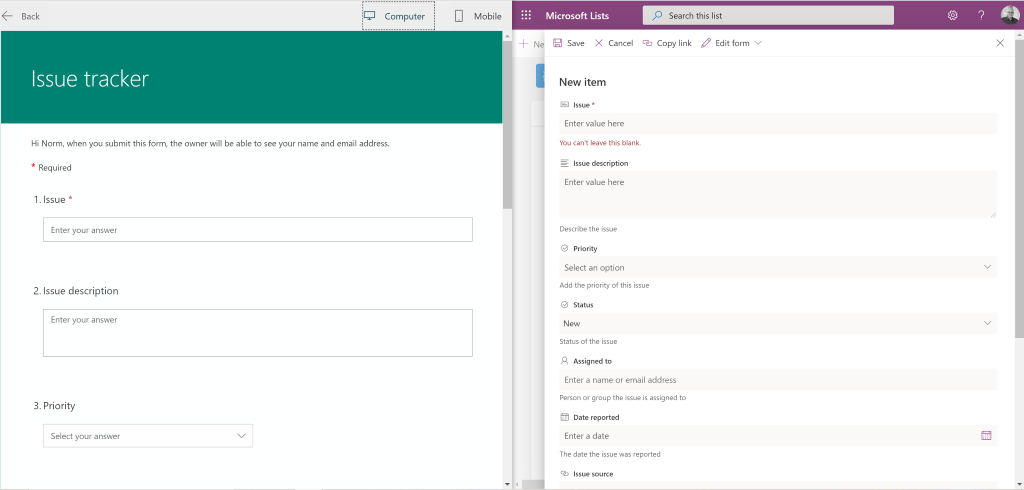
In this blog post I will outline how to get responses from Microsoft Forms into Microsoft Lists using Power Automate. I am using the Microsoft Lists, Issue tracker template for my examples. I have created a new Forms form that aligns its questions to the Issue tracker list columns. This is how my list column … Continue reading Get responses from Forms to Microsoft Lists using Power Automate
Microsoft Lists: Updated Issue Tracker
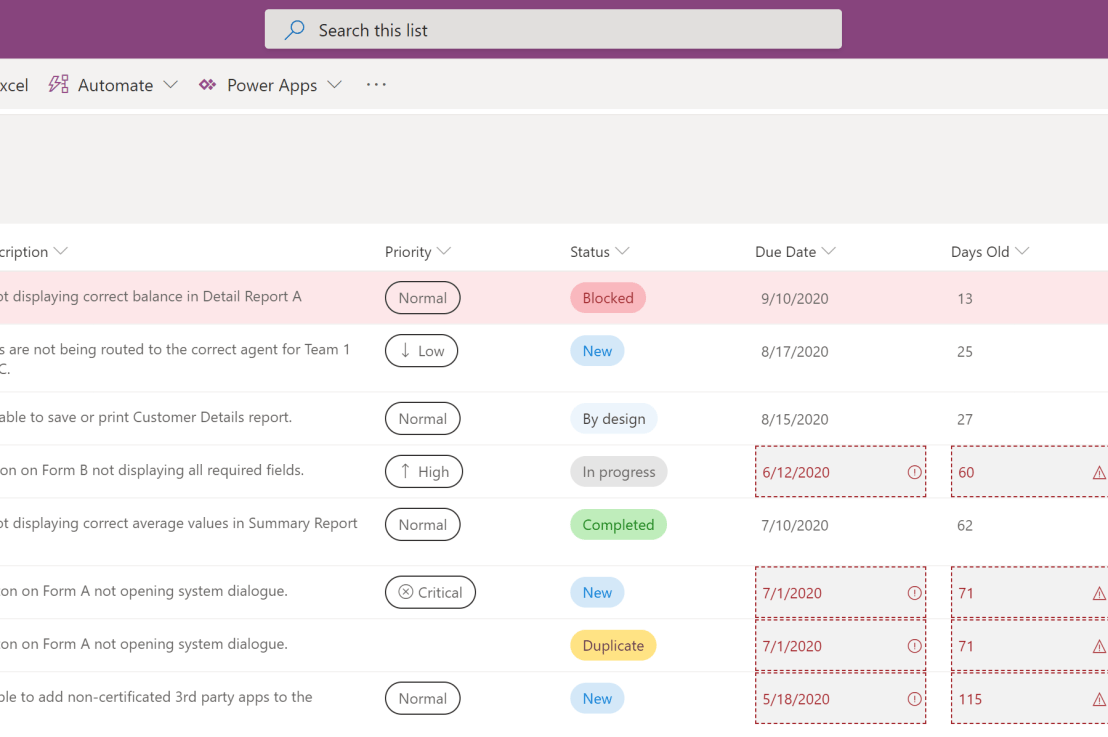
In my last blog post I took a closer look at the Issue Tracker template that comes part of the new Microsoft Lists application. A part of the review was to compare "Issue Tracker" to "Issue Tracking" (the previous iteration of Issue Tracker) to help highlight the value of the new template and to also … Continue reading Microsoft Lists: Updated Issue Tracker
Microsoft Lists: new list using an existing Excel spreadsheet
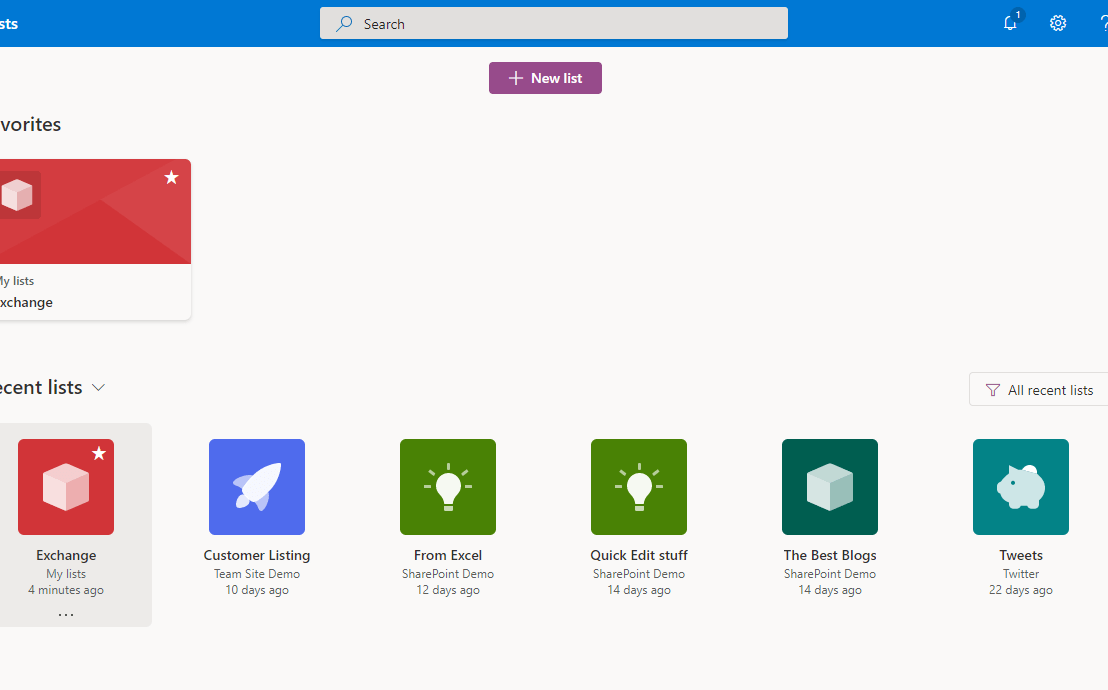
I'm very happy to see Microsoft Lists starting to roll-out. The new functionality and a shift to its own dedicated app help to lower technology barriers for citizen developers and better position Microsoft Lists in the Microsoft 365 landscape of apps. In this blog post I am going to walk through creating a new List … Continue reading Microsoft Lists: new list using an existing Excel spreadsheet
M365 Philly Virtual
I’m sharing my “A 50 minute digital transformation” slide deck from the M365 Philly Virtual. Thanks to those that attended, I really appreciate it! NY m365-philly-virtual-a-50-minute-digital-transformationDownload
Import Excel data into an existing SharePoint List using Power Automate
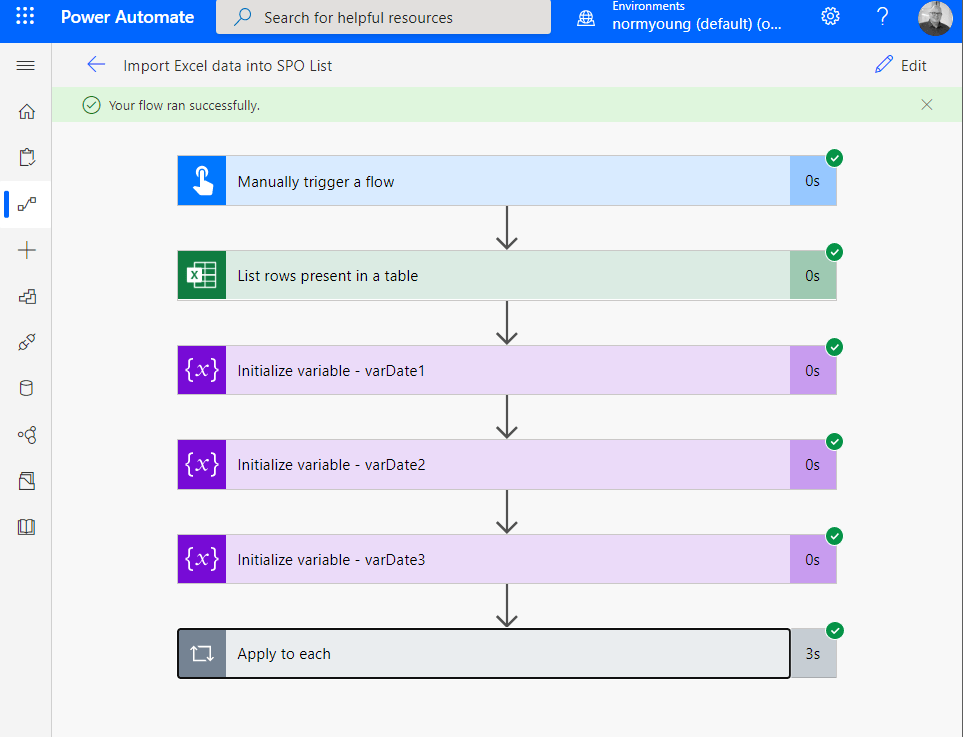
Have you ever needed to import Excel data into an existing SharePoint List? Creating a new list and importing data is easy enough using the Create a list based on a spreadsheet feature but adding data to an existing List is not that straight forward. This blog post will show how I used Power Automate … Continue reading Import Excel data into an existing SharePoint List using Power Automate