SharePoint vs. Microsoft Teams: Why They’re Better Together

SharePoint vs. Microsoft Teams: Why They’re Better Together

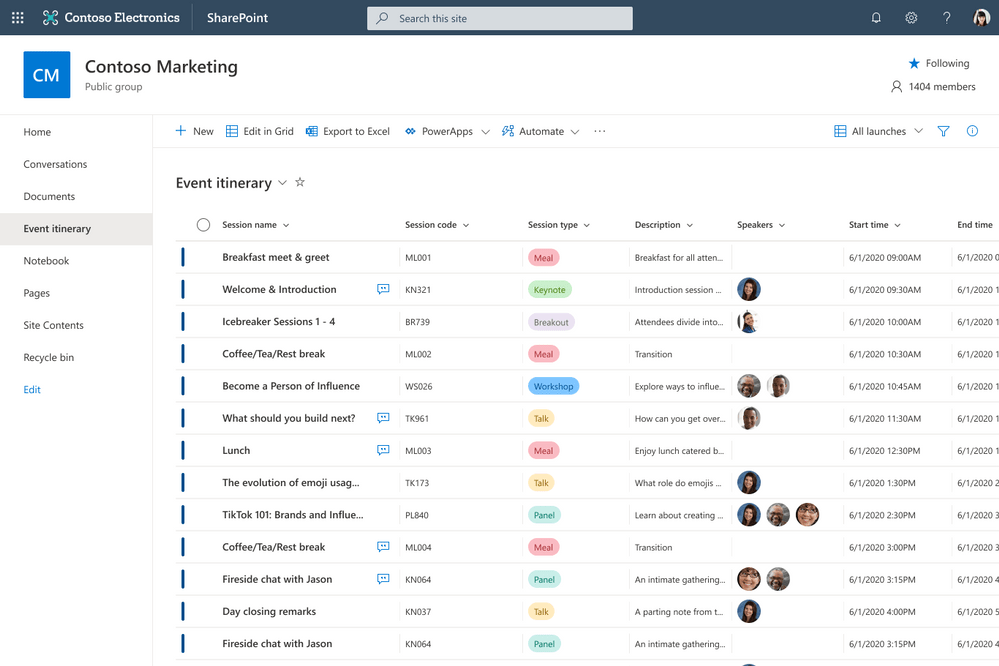
This article originally appears on the AvePoint blog as SharePoint vs. Microsoft Teams: Why They’re Better Together. Change. There is so much change in the Microsoft 365 platform that users can feel lost in a sea of like-named and functioning apps. Take OneDrive and OneNote for example. Or how about a Team site and Teams? … Continue reading SharePoint vs. Microsoft Teams: Why They’re Better Together
Send email reminders from Microsoft Lists using Power Automate

Send email reminders from Microsoft Lists using Power Automate

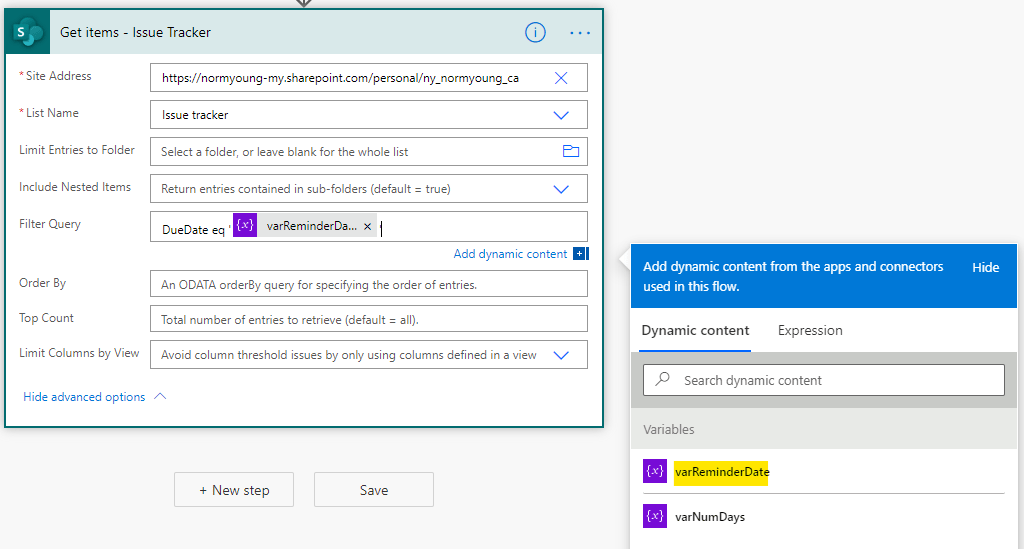
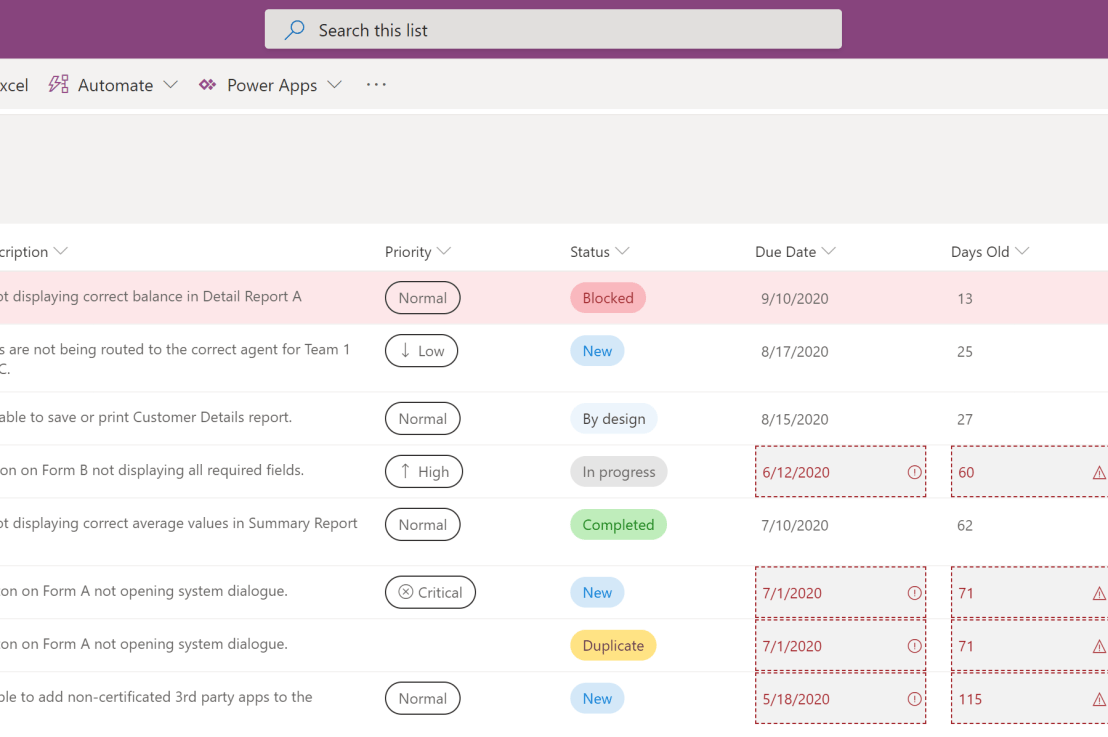
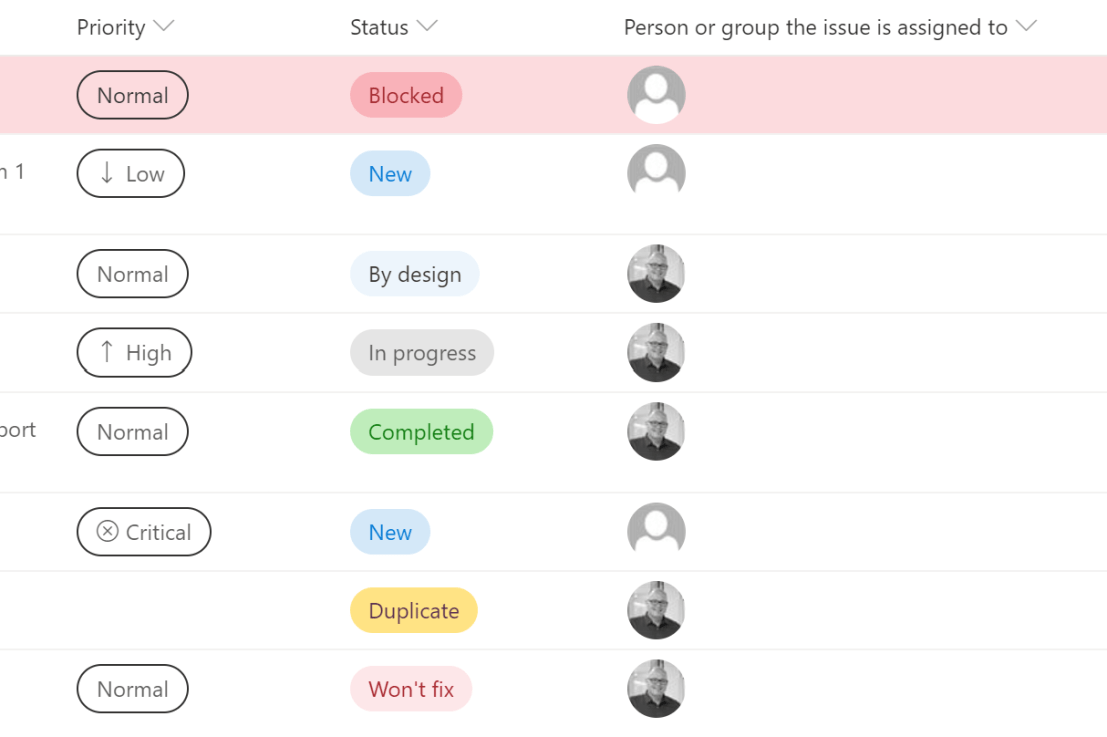
In this blog post I will show how to send email reminders for Microsoft Lists items based on a date column using Power Automate. I am using a customized version of the Microsoft Lists Issue Tracker template. See Microsoft Lists: Updated Issue Tracker for more info. Automated email reminders give users time and opportunity to intervene … Continue reading Send email reminders from Microsoft Lists using Power Automate

Add attachments from Forms to Microsoft Lists using Power Automate (UPDATED)

Add attachments from Forms to Microsoft Lists using Power Automate (UPDATED)

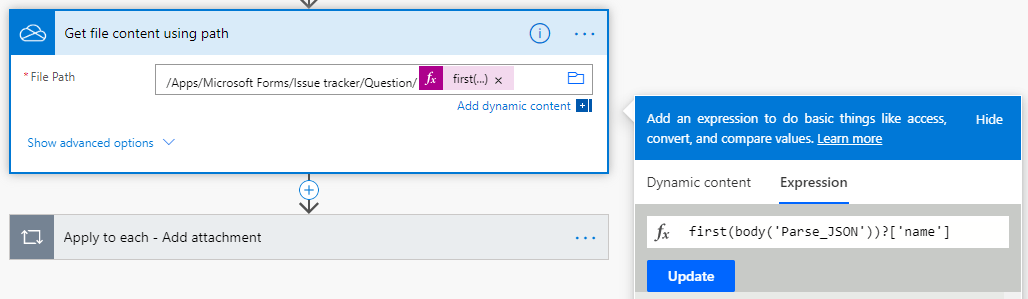
Note: The "Get file content using path" and "Apply to each - Add attachment" actions have updated from my original post to correct an issue where the content from multiple attachments was being duplicated. I added a check "Condition" on the length of the Associated files from MS Forms to ensure that attempts to add … Continue reading Add attachments from Forms to Microsoft Lists using Power Automate (UPDATED)

Get responses from Forms to Microsoft Lists using Power Automate

Get responses from Forms to Microsoft Lists using Power Automate

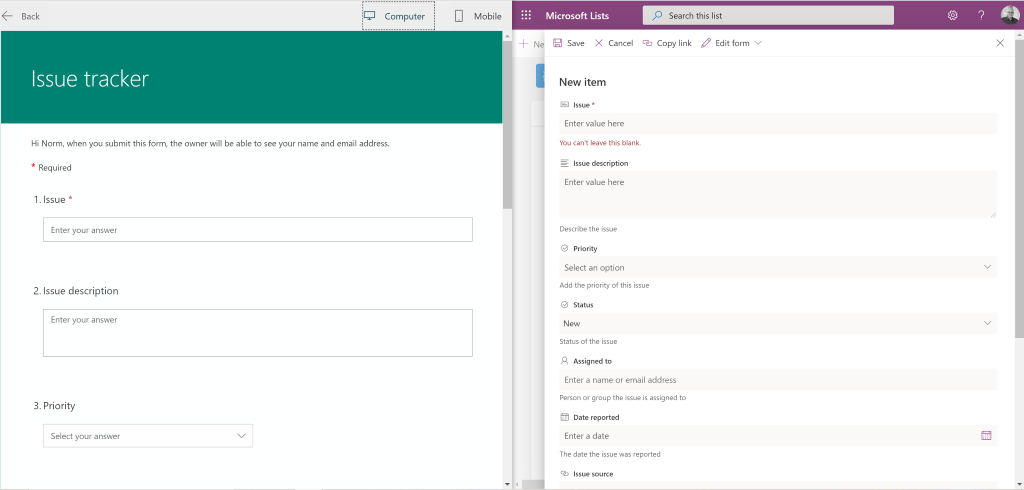
In this blog post I will outline how to get responses from Microsoft Forms into Microsoft Lists using Power Automate. I am using the Microsoft Lists, Issue tracker template for my examples. I have created a new Forms form that aligns its questions to the Issue tracker list columns. This is how my list column … Continue reading Get responses from Forms to Microsoft Lists using Power Automate

M365 Philly Virtual

M365 Philly Virtual

I’m sharing my “A 50 minute digital transformation” slide deck from the M365 Philly Virtual. Thanks to those that attended, I really appreciate it! NY m365-philly-virtual-a-50-minute-digital-transformationDownload

Import Excel data into an existing SharePoint List using Power Automate

Import Excel data into an existing SharePoint List using Power Automate

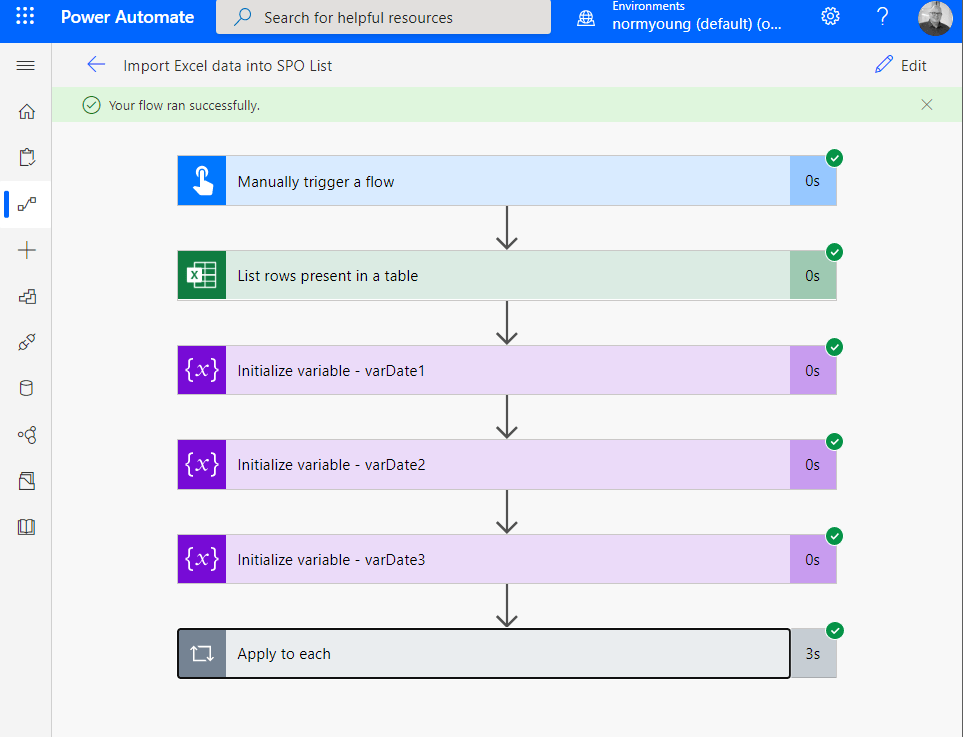
Have you ever needed to import Excel data into an existing SharePoint List? Creating a new list and importing data is easy enough using the Create a list based on a spreadsheet feature but adding data to an existing List is not that straight forward. This blog post will show how I used Power Automate … Continue reading Import Excel data into an existing SharePoint List using Power Automate

Toronto Citizen Developer User Group

Toronto Citizen Developer User Group

Sharing my "50 minute digital transformation" slide deck from the June 3rd, 2020 Toronto Citizen Developer User Group meeting. It was a great session with great people. Thanks for listening and for the positive feedback. I'm looking forward to the next meeting. NY a-50-minute-digital-transformationDownload