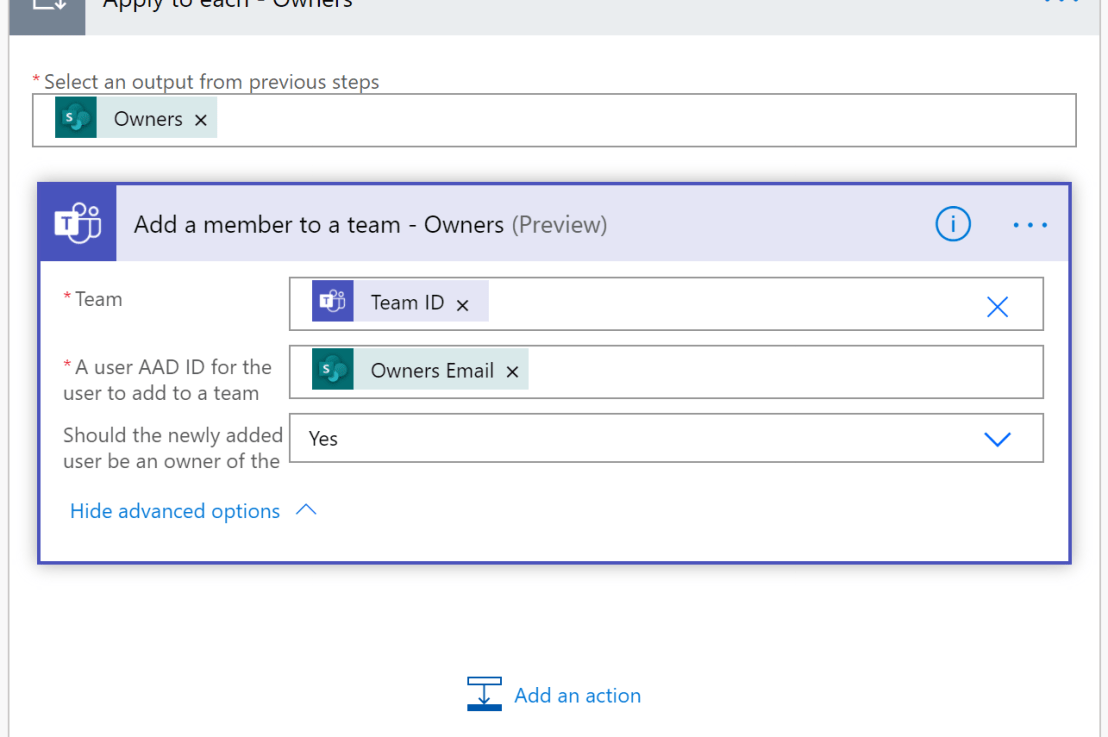
In this blog post I'll show how easy it is to provision Microsoft Teams teams using Microsoft Lists and Power Automate. Creating a Teams team is super simple from the Teams client, this post is not intended to replace that functionality, rather this has been developed with a PMO (project management office) team managing multiple … Continue reading Use Microsoft Lists and Power Automate to provision Microsoft Teams→
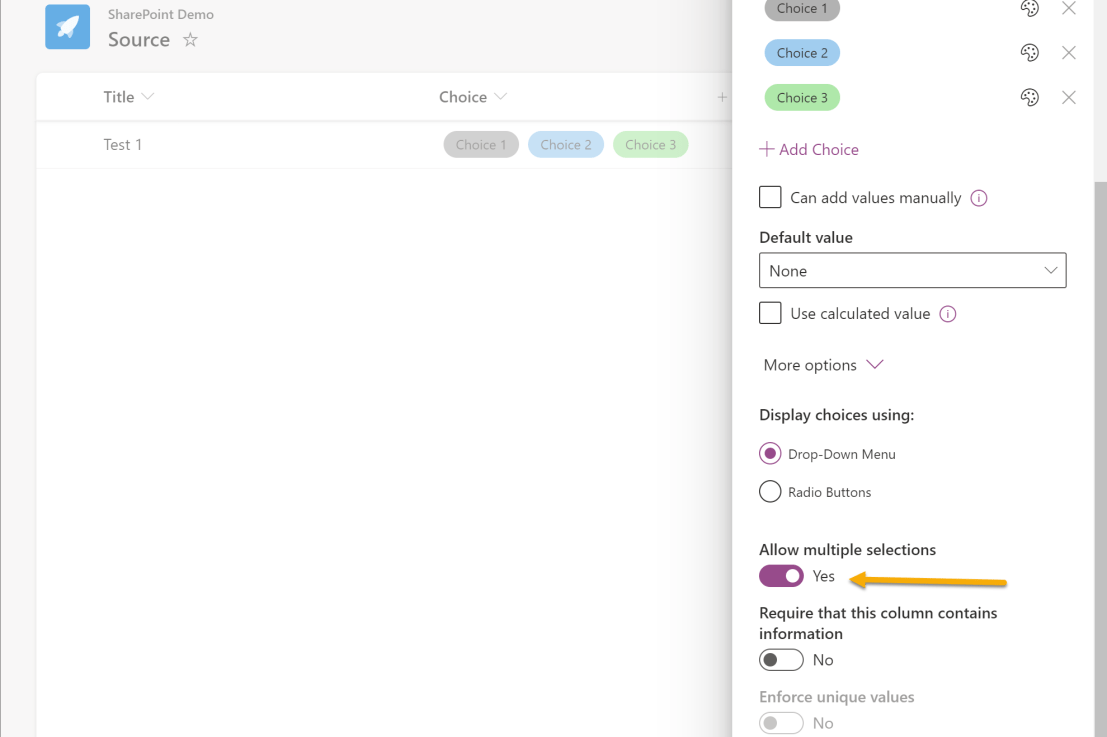
In this blog post I will show how to copy multiple selected Choice column values to another list. This post is a supplement to Use Power Automate to move Microsoft Lists items to another list. I am using two lists called Source and Destination. Both Lists have a choice column called "Choice" that allows multiple selections. … Continue reading Use Power Automate to copy multiple selections from Choice columns between Microsoft Lists→
In this blog post I am going to show how it is possible to add and remove users to a SharePoint site using Microsoft Lists and Power Automate. I'll be using the Send an HTTP request to SharePoint action throughout the Flow. "Send an HTTP request to SharePoint" constructs and executes SharePoint REST API calls. … Continue reading Add and remove users to a SharePoint site using Microsoft Lists and Power Automate→
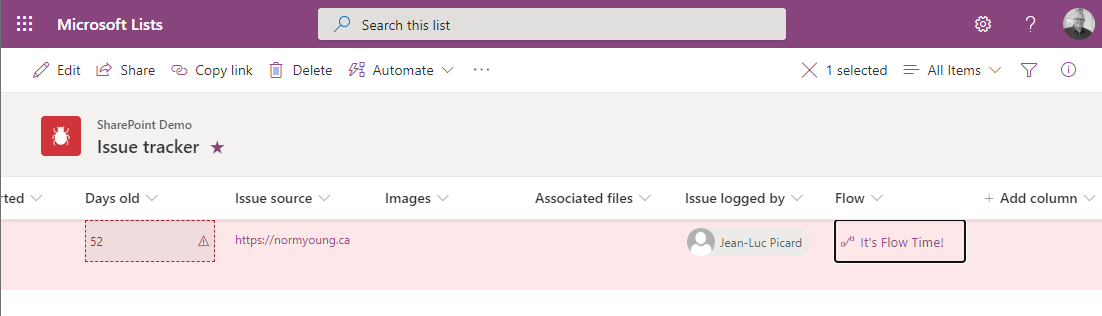
In this blog post I will show how to use a "button" to "move" an item from one list to another using JSON column formatting. The Create a button to launch a Flow for the selected item JSON code was developed Chris Kent and I have used it to great effect when manual archiving items … Continue reading Use Power Automate to move Microsoft Lists items to another list→
In this blog I will show how to take action based on a value in a Microsoft Lists column using Power Automate. A typical use case for this pattern is a change in status value to completed. In my example I will be using the Microsoft Lists Issue Tracker template and when the "Status" column … Continue reading Take action based on value in Microsoft Lists column using Power Automate→
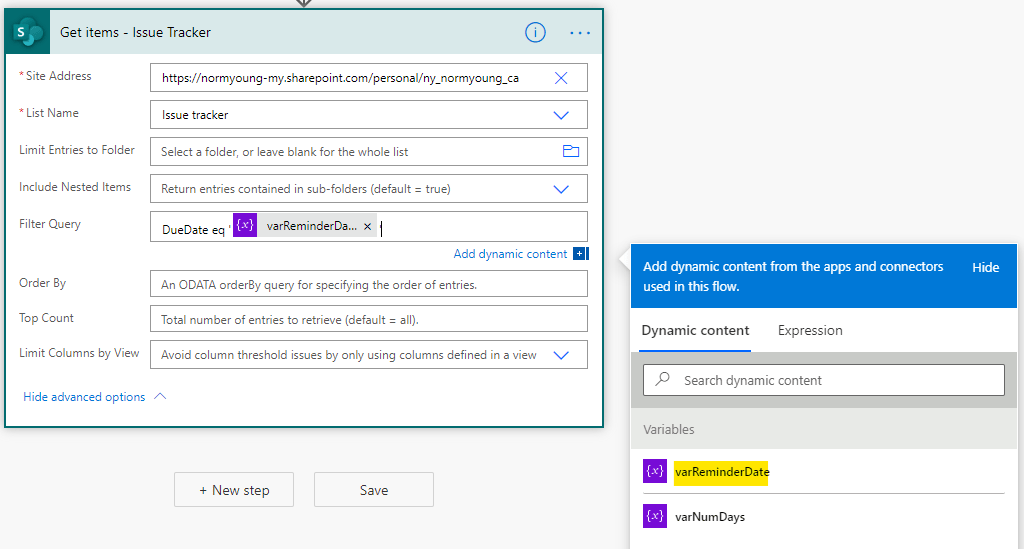
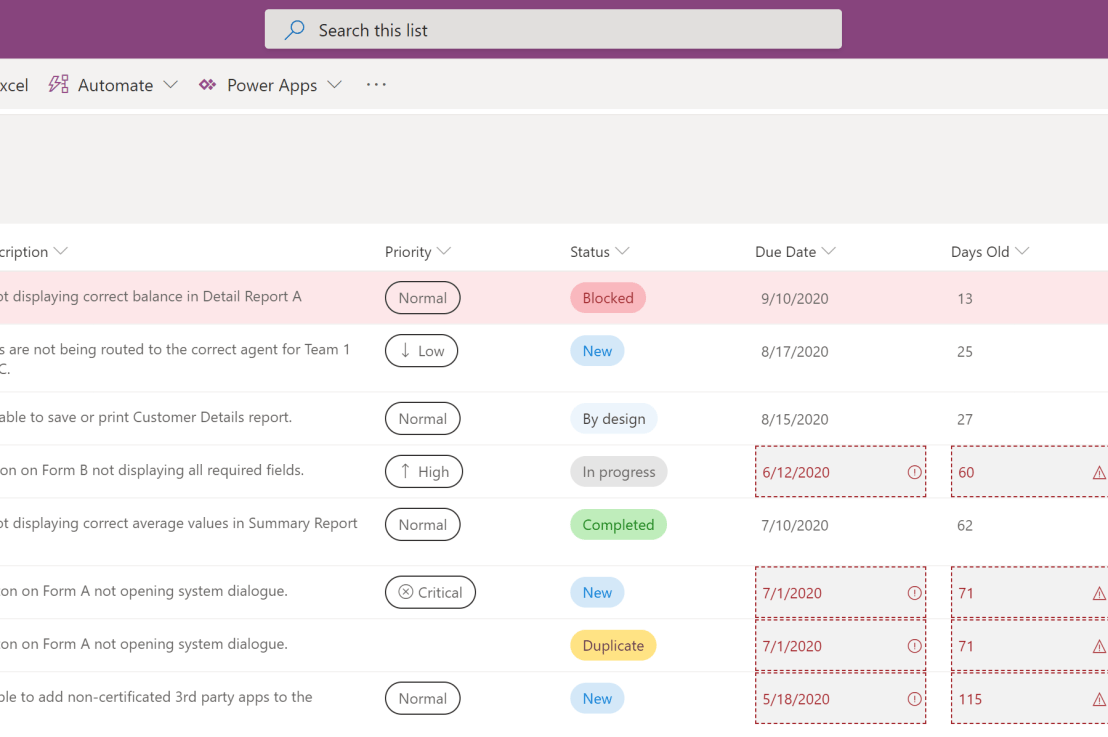
In this blog post I will show how to send email reminders for Microsoft Lists items based on a date column using Power Automate. I am using a customized version of the Microsoft Lists Issue Tracker template. See Microsoft Lists: Updated Issue Tracker for more info. Automated email reminders give users time and opportunity to intervene … Continue reading Send email reminders from Microsoft Lists using Power Automate→
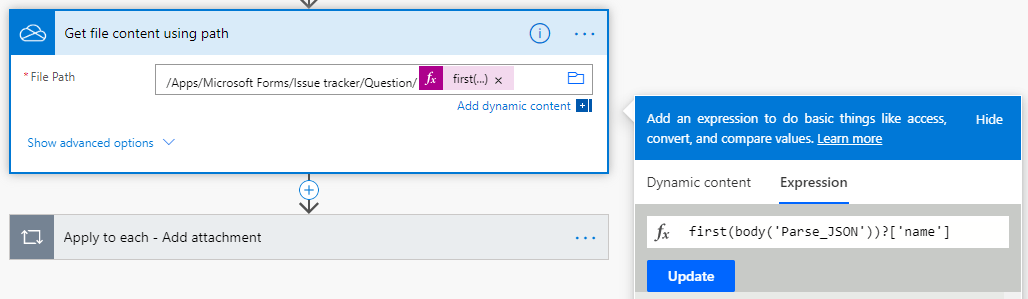
Note: The "Get file content using path" and "Apply to each - Add attachment" actions have updated from my original post to correct an issue where the content from multiple attachments was being duplicated. I added a check "Condition" on the length of the Associated files from MS Forms to ensure that attempts to add … Continue reading Add attachments from Forms to Microsoft Lists using Power Automate (UPDATED)→
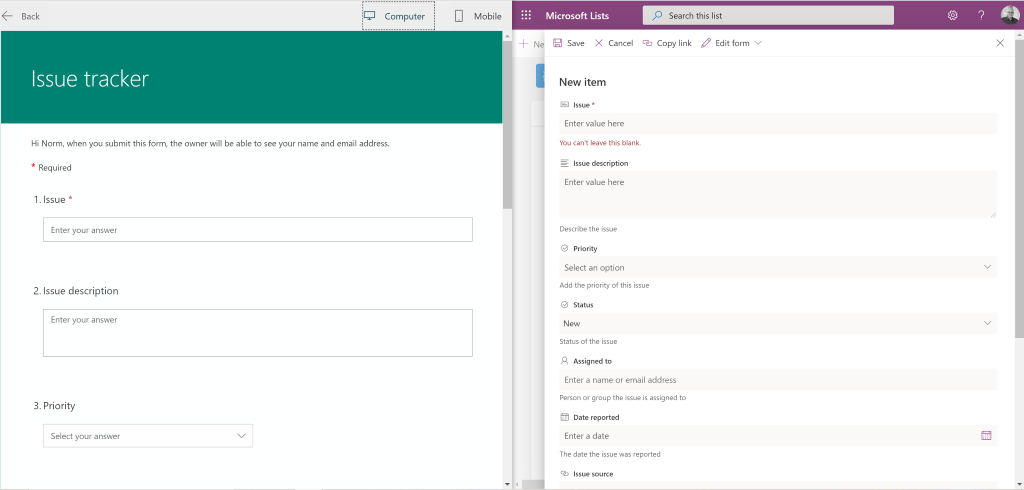
In this blog post I will outline how to get responses from Microsoft Forms into Microsoft Lists using Power Automate. I am using the Microsoft Lists, Issue tracker template for my examples. I have created a new Forms form that aligns its questions to the Issue tracker list columns. This is how my list column … Continue reading Get responses from Forms to Microsoft Lists using Power Automate→
In my last blog post I took a closer look at the Issue Tracker template that comes part of the new Microsoft Lists application. A part of the review was to compare "Issue Tracker" to "Issue Tracking" (the previous iteration of Issue Tracker) to help highlight the value of the new template and to also … Continue reading Microsoft Lists: Updated Issue Tracker→



 Norm Young