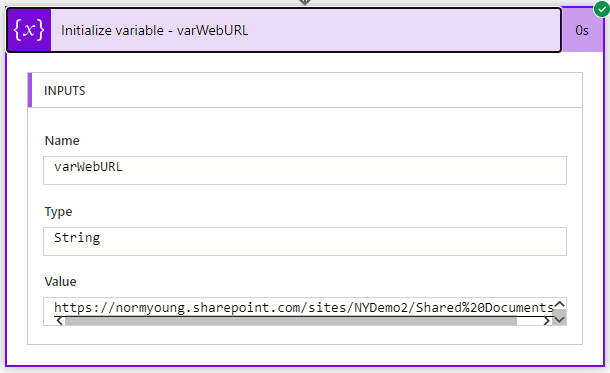
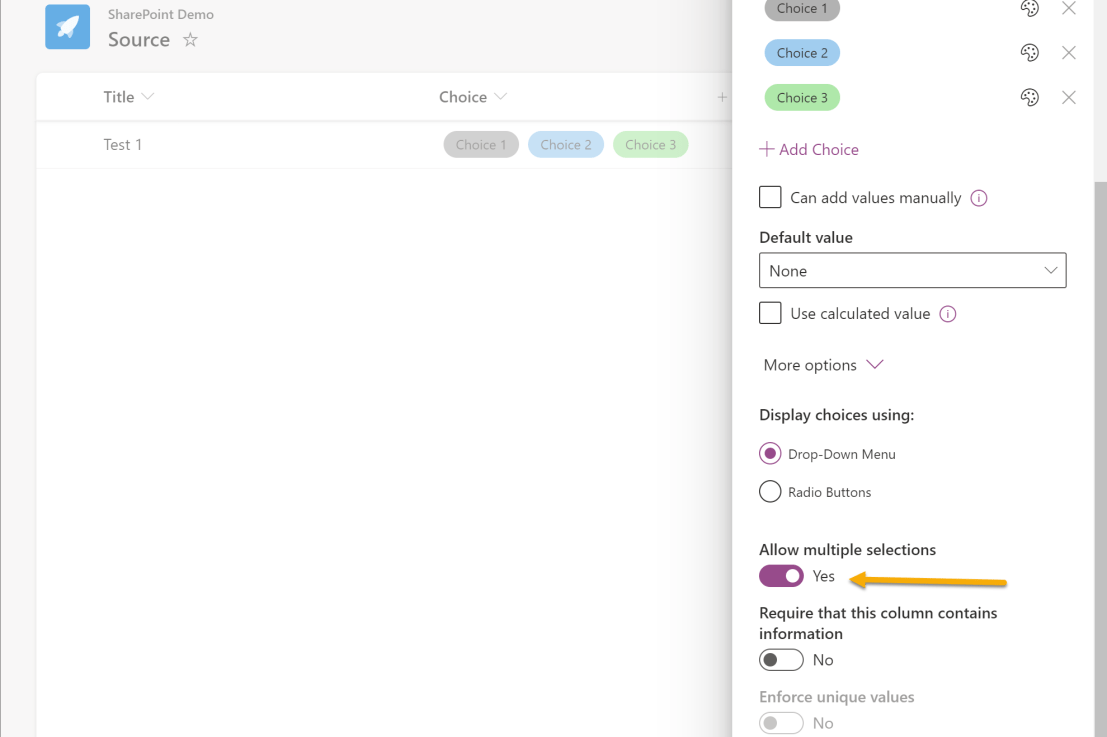
In previous posts, we explored using the Send HTTP Request to SharePoint action in Power Automate for tasks like retrieving items with an OData filter query and updating a text column. Now, we'll discuss how to update choice columns in SharePoint Lists using this action. Although the standard Update item action usually works, you'll need … Continue reading Update a CHOICE column using the Send HTTP Request to SharePoint action in Power Automate
Category: SharePoint
Update a single line of text column using the Send HTTP Request to SharePoint action in Power Automate
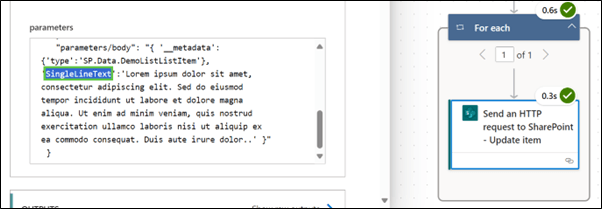
In this blog post, we learned how to use the Send HTTP Request to SharePoint action in Power Automate to update an existing single line of text column in a SharePoint list item. This action is powerful and flexible, allowing for various operations on SharePoint data using the REST API.
Getting started with the Send HTTP requests to SharePoint using Power Automate
Did you know that the standard SharePoint actions in Power Automate, such as Get items and Update item, can only manage a maximum of 12 lookup columns? Also, did you know that column types like Image can't be utilized with the Create item and Update item actions? In such cases, the Send HTTP Request to … Continue reading Getting started with the Send HTTP requests to SharePoint using Power Automate
A first look at Templates in Microsoft Lists
Custom List Templates are starting to roll out to Microsoft Lists. Templates allow organizations to extend their current List based solutions to a broader audience in an approved manner. Complete instructions can be found on the Creating custom list templates page. In this blog post I am going to walk through the experience of adding … Continue reading A first look at Templates in Microsoft Lists
A first look at Rules in Microsoft Lists
Rules for Microsoft Lists are starting to roll out. Rules offer new opportunities for users to extend the functionality of their Lists without the relying on IT and without the steep learning curve that is sometimes associated with new technology. In this blog post I am going to walk through the experience of creating Rules … Continue reading A first look at Rules in Microsoft Lists
An Introduction to the SharePoint Admin Center
This article originally appears on the AvePoint blog as An Introduction to the SharePoint Admin Center. Welcome to the SharePoint admin center, your one-stop-shop for all things SharePoint management! The admin center is intended to inform, configure, and govern the management of all the sites in your tenant. Inform The Admin home page includes Activity and … Continue reading An Introduction to the SharePoint Admin Center
Send a single reminder for multiple items using Lists and Power Automate (UPDATED)
Note: The steps in the Create HTML table action have been updated from my original post, on Dec 21, 2020, to address an issue where the Filter array columns were no longer available in Power Automate. This post is inspired by a question I received from a previous blog post where the user wants to … Continue reading Send a single reminder for multiple items using Lists and Power Automate (UPDATED)
Use Power Automate to get a MS Teams SharePoint URL
This post is inspired by a question I received on LinkedIn on how to copy files to a project based Teams team using Power Automate at the time of provisioning. This Flow can provide one of the building blocks for that larger solution. This Flow requires a Graph API connection. I outline how to do … Continue reading Use Power Automate to get a MS Teams SharePoint URL
Use Power Automate to copy multiple selections from Choice columns between Microsoft Lists
In this blog post I will show how to copy multiple selected Choice column values to another list. This post is a supplement to Use Power Automate to move Microsoft Lists items to another list. I am using two lists called Source and Destination. Both Lists have a choice column called "Choice" that allows multiple selections. … Continue reading Use Power Automate to copy multiple selections from Choice columns between Microsoft Lists
Add and remove users to a SharePoint site using Microsoft Lists and Power Automate
In this blog post I am going to show how it is possible to add and remove users to a SharePoint site using Microsoft Lists and Power Automate. I'll be using the Send an HTTP request to SharePoint action throughout the Flow. "Send an HTTP request to SharePoint" constructs and executes SharePoint REST API calls. … Continue reading Add and remove users to a SharePoint site using Microsoft Lists and Power Automate