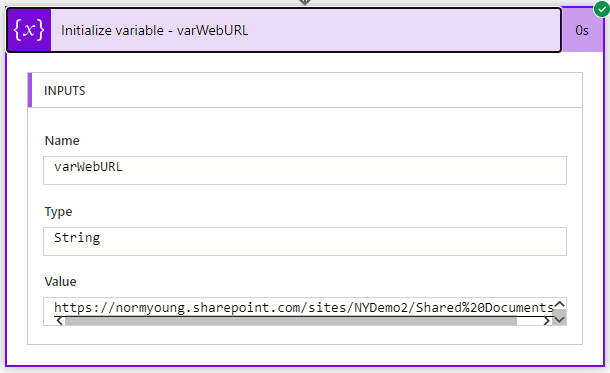
This post is inspired by a question I received on LinkedIn on how to copy files to a project based Teams team using Power Automate at the time of provisioning. This Flow can provide one of the building blocks for that larger solution. This Flow requires a Graph API connection. I outline how to do … Continue reading Use Power Automate to get a MS Teams SharePoint URL
Use MS Lists and Power Automate to provision Private Channels in Teams
In my previous blog post I showed how easy it is to Use Microsoft Lists and Power Automate to provision Microsoft Teams. In this blog post I will show how to extend the previous solution to include the creation of a Microsoft Teams Private Channel. At the time of writing there is no create Private channel … Continue reading Use MS Lists and Power Automate to provision Private Channels in Teams
Use Microsoft Lists and Power Automate to provision Microsoft Teams
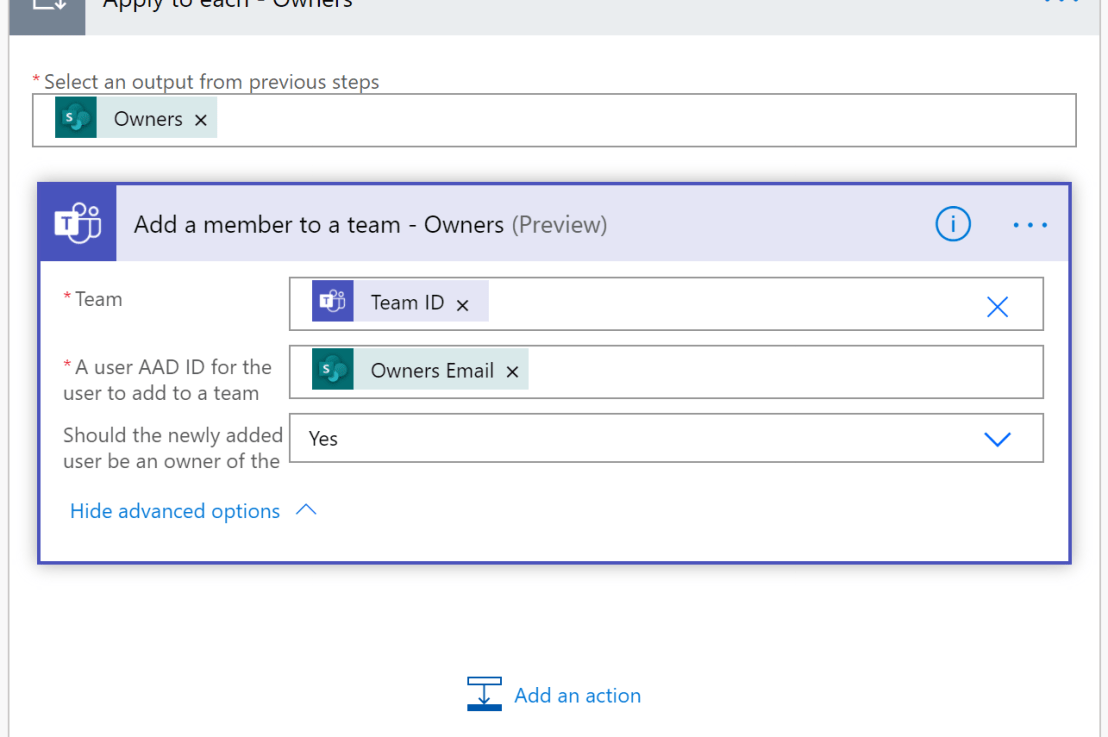
In this blog post I'll show how easy it is to provision Microsoft Teams teams using Microsoft Lists and Power Automate. Creating a Teams team is super simple from the Teams client, this post is not intended to replace that functionality, rather this has been developed with a PMO (project management office) team managing multiple … Continue reading Use Microsoft Lists and Power Automate to provision Microsoft Teams
Use Power Automate to copy multiple selections from Choice columns between Microsoft Lists
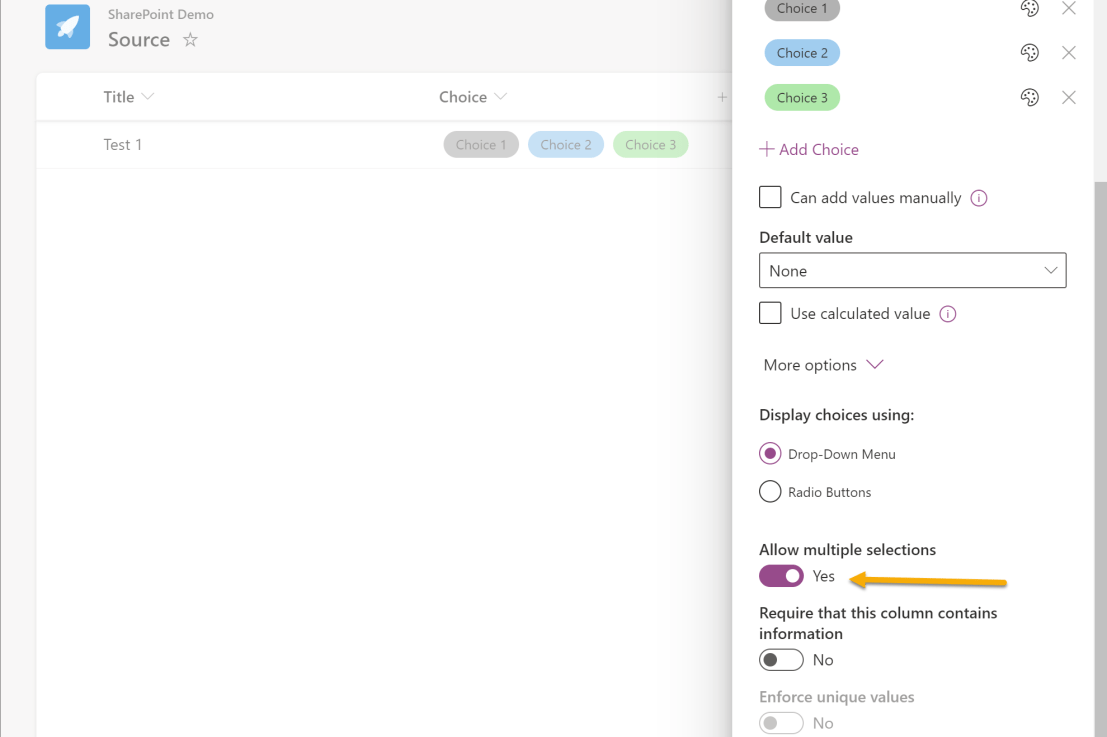
In this blog post I will show how to copy multiple selected Choice column values to another list. This post is a supplement to Use Power Automate to move Microsoft Lists items to another list. I am using two lists called Source and Destination. Both Lists have a choice column called "Choice" that allows multiple selections. … Continue reading Use Power Automate to copy multiple selections from Choice columns between Microsoft Lists
Add and remove users to a SharePoint site using Microsoft Lists and Power Automate
In this blog post I am going to show how it is possible to add and remove users to a SharePoint site using Microsoft Lists and Power Automate. I'll be using the Send an HTTP request to SharePoint action throughout the Flow. "Send an HTTP request to SharePoint" constructs and executes SharePoint REST API calls. … Continue reading Add and remove users to a SharePoint site using Microsoft Lists and Power Automate
Use Power Automate to dynamically switch Document Libraries based on a string
In this blog post I will show how to dynamically switch SharePoint Document Libraries based on a string to perform further actions like creating a folder. I've used this pattern for dynamic folder creation where the sheer scale of folders required dedicated Document Libraries based on alphabetic ranges (A-F, G-M, N-T, U-Z). My demo SharePoint … Continue reading Use Power Automate to dynamically switch Document Libraries based on a string
Use Power Automate to create a folder in SharePoint with link back to Microsoft Lists (UPDATED)
Check out this related flow pattern on the Power Platform Samples repository: https://github.com/pnp/powerautomate-samples/tree/main/samples/create-folder-with-link-back-to-list In this blog post I will out line how Power Automate can be used to create a folder in a SharePoint document library and then store the link to the newly created folder inside of Microsoft Lists. I have used this pattern … Continue reading Use Power Automate to create a folder in SharePoint with link back to Microsoft Lists (UPDATED)
M365 Saturday Saskatchewan 2020 – Virtual
I’m sharing my “A 50 minute digital transformation” slide deck from the M365 Saturday Saskatchewan 2020 - Virtual. Thanks to those that attended, I really appreciate it! NY a-50-minute-digital-transformation-m365saskDownload
Use Power Automate to move Microsoft Lists items to another list
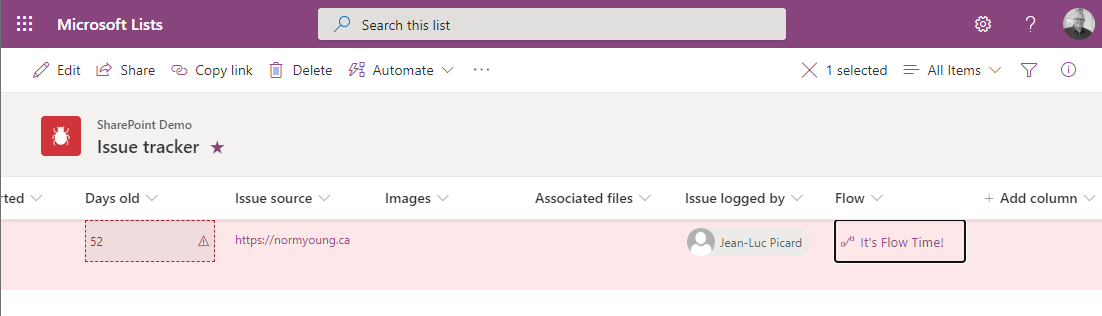
In this blog post I will show how to use a "button" to "move" an item from one list to another using JSON column formatting. The Create a button to launch a Flow for the selected item JSON code was developed Chris Kent and I have used it to great effect when manual archiving items … Continue reading Use Power Automate to move Microsoft Lists items to another list
Take action based on value in Microsoft Lists column using Power Automate
In this blog I will show how to take action based on a value in a Microsoft Lists column using Power Automate. A typical use case for this pattern is a change in status value to completed. In my example I will be using the Microsoft Lists Issue Tracker template and when the "Status" column … Continue reading Take action based on value in Microsoft Lists column using Power Automate